Excel to Word
Easily convert Excel (XLS) to Word documents for free with our online Excel to Word Converter.

Drop or Paste your files
Data security comes first – We’ll never sell or share your data.
Drop or Paste your files
Files (0)
filename.xlsx
2.5MB
file_name.xlsx
2.5 MB
Excel to Word Converter
Excel to Word Converter helps you seamlessly transform Excel spreadsheets into clean, well-formatted Word documents. Instead of manual copy pasting values, re-structuring tables, adjusting formatting, and wasting time, our Excel to Word tool lets you do all in a single click. Plus, no registration or installation is needed.
How to Convert Excel to Word Online?
Select Excel files
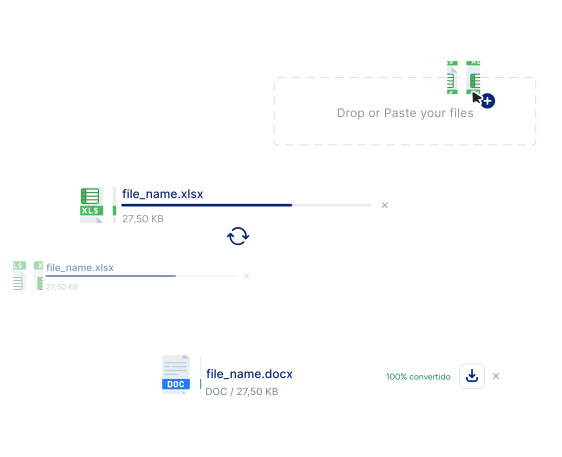
Paste, drag & drop, or upload the Excel files into the tool.
Start Conversion
Click the “Convert” button to start the conversion. Our Excel to Word converter will immediately convert all the XLXS files into Word files.
Download files:
Finally, you can download DOCX files either separately or in a ZIP file.